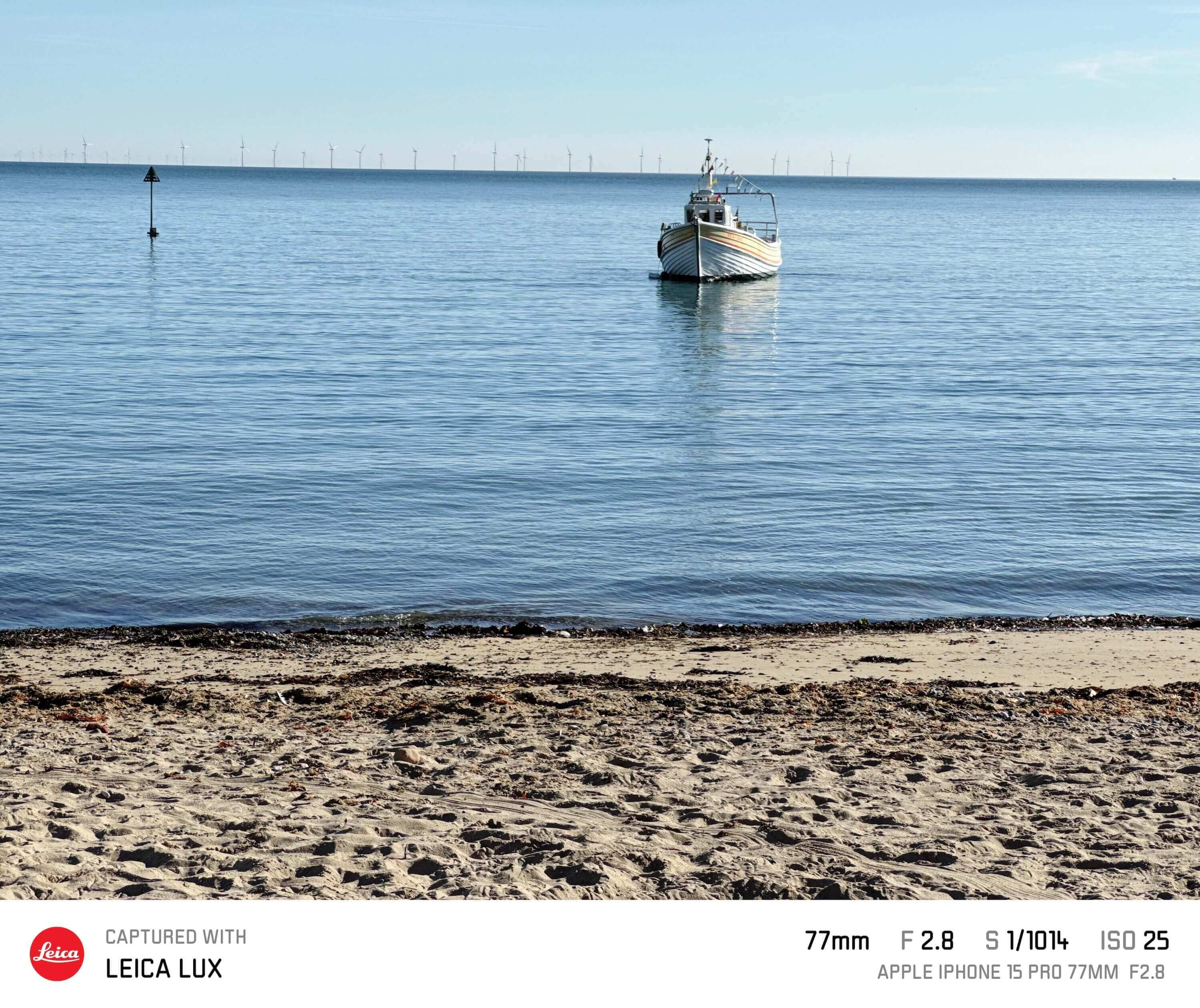
Unexpectedly, we found ourselves with a week off work and no plans. The sun was shining, the forecast was good, so we jumped in the car and made our way over to North Wales. Four hours later, we were having lunch at Lake Bala in the warm sunshine.
For this trip, I decided to leave my Leica Q at home and only use my Apple iPhone 15 Pro and the Leica LUX app.
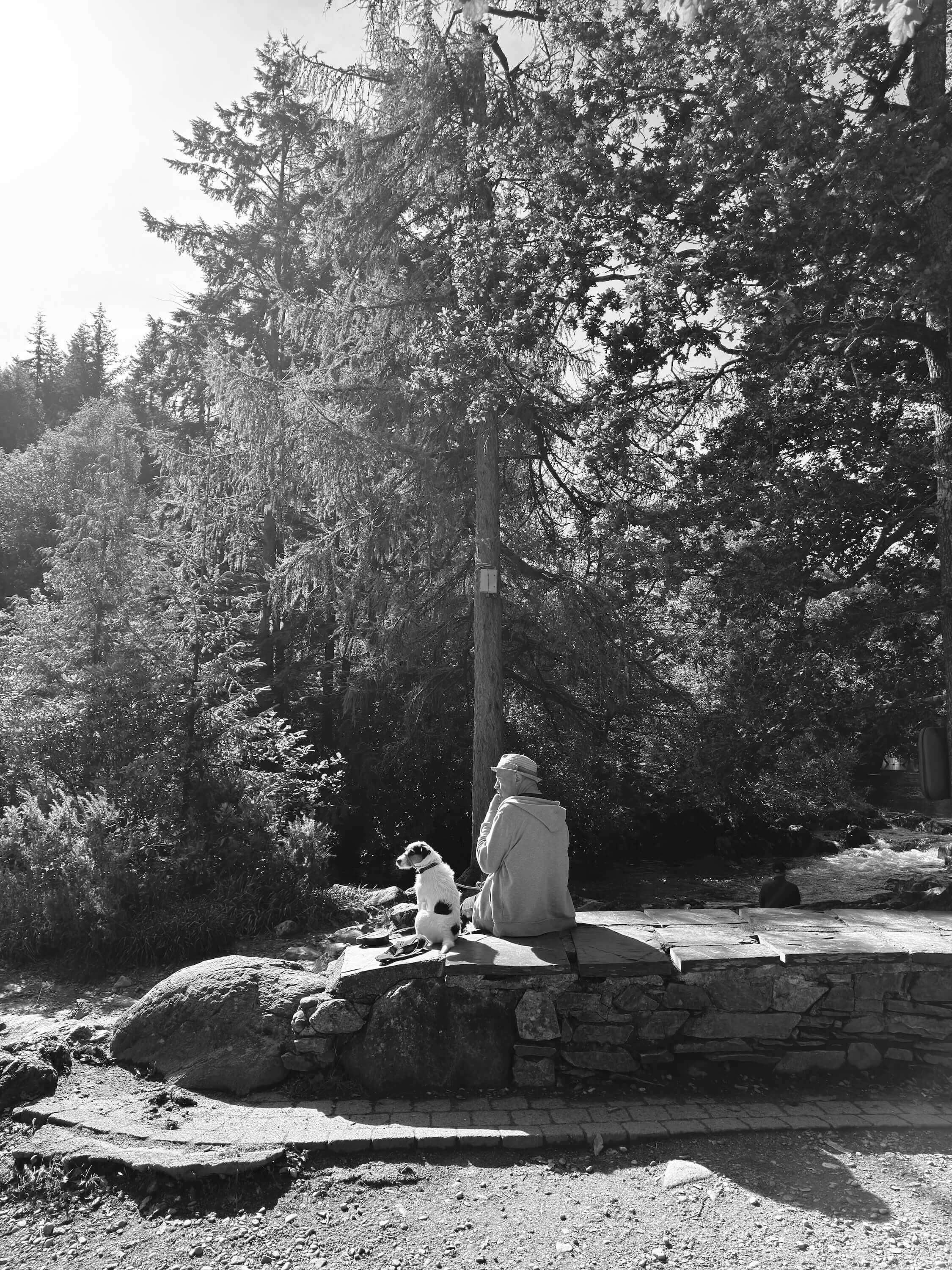
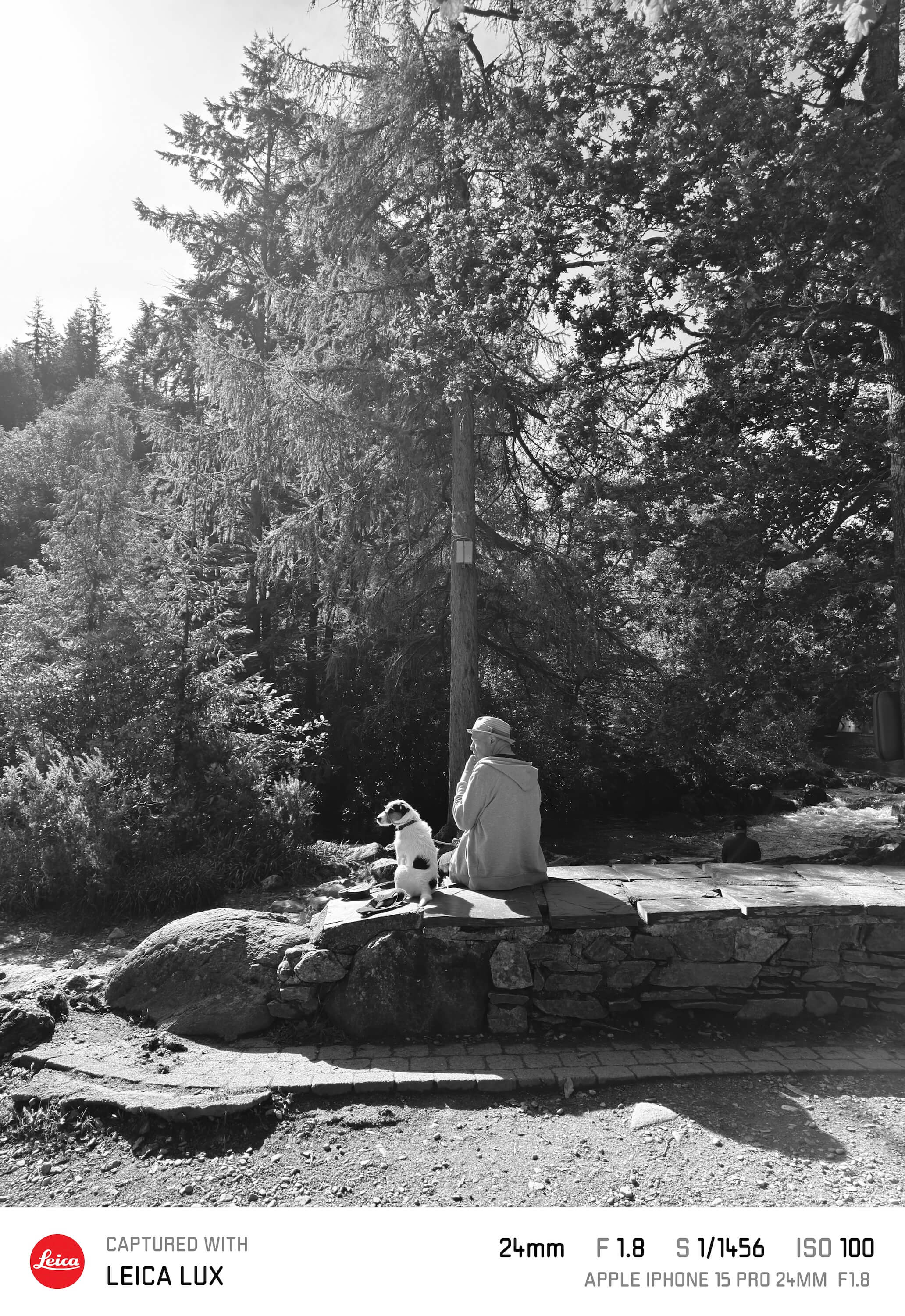
I’m a community ambassador for VERO and Mondays on VERO are all about posting black and white photos with #momo for Monochrome Monday. As I was posting live from the trip, most of my images on the first day were in monochrome. I just love the high contrast Leica BW look in the Leica LUX app. In fact, I have set my action button on the iPhone to open the Leica LUX app so that I can quickly shoot images without the hassle of opening a specific app.
I hope you enjoy a few images from our two days in Wales - I have captioned each one with which Leica look I used with more details about the app at the end of this article.
Betws-y-Coed





Llandudno
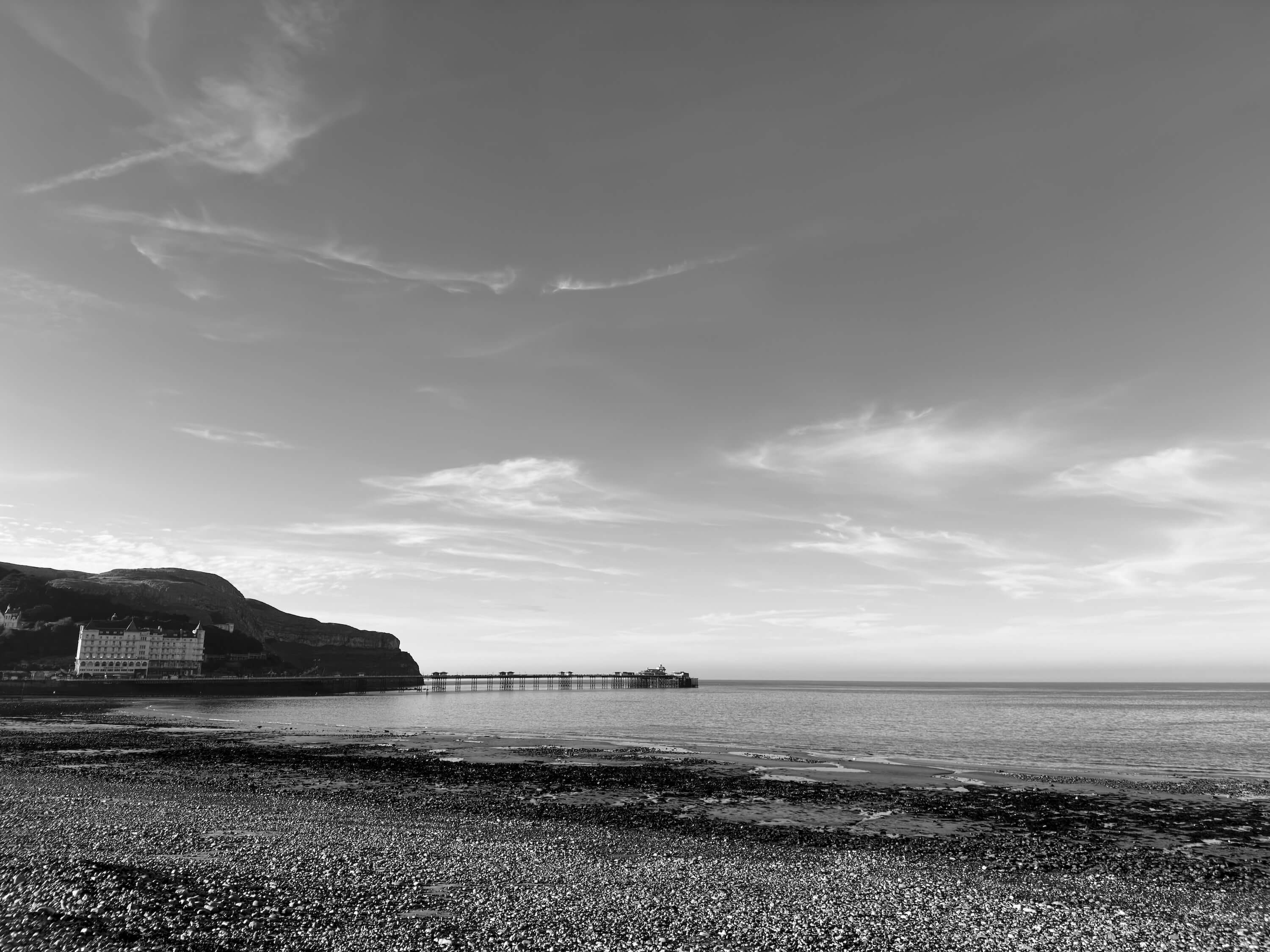



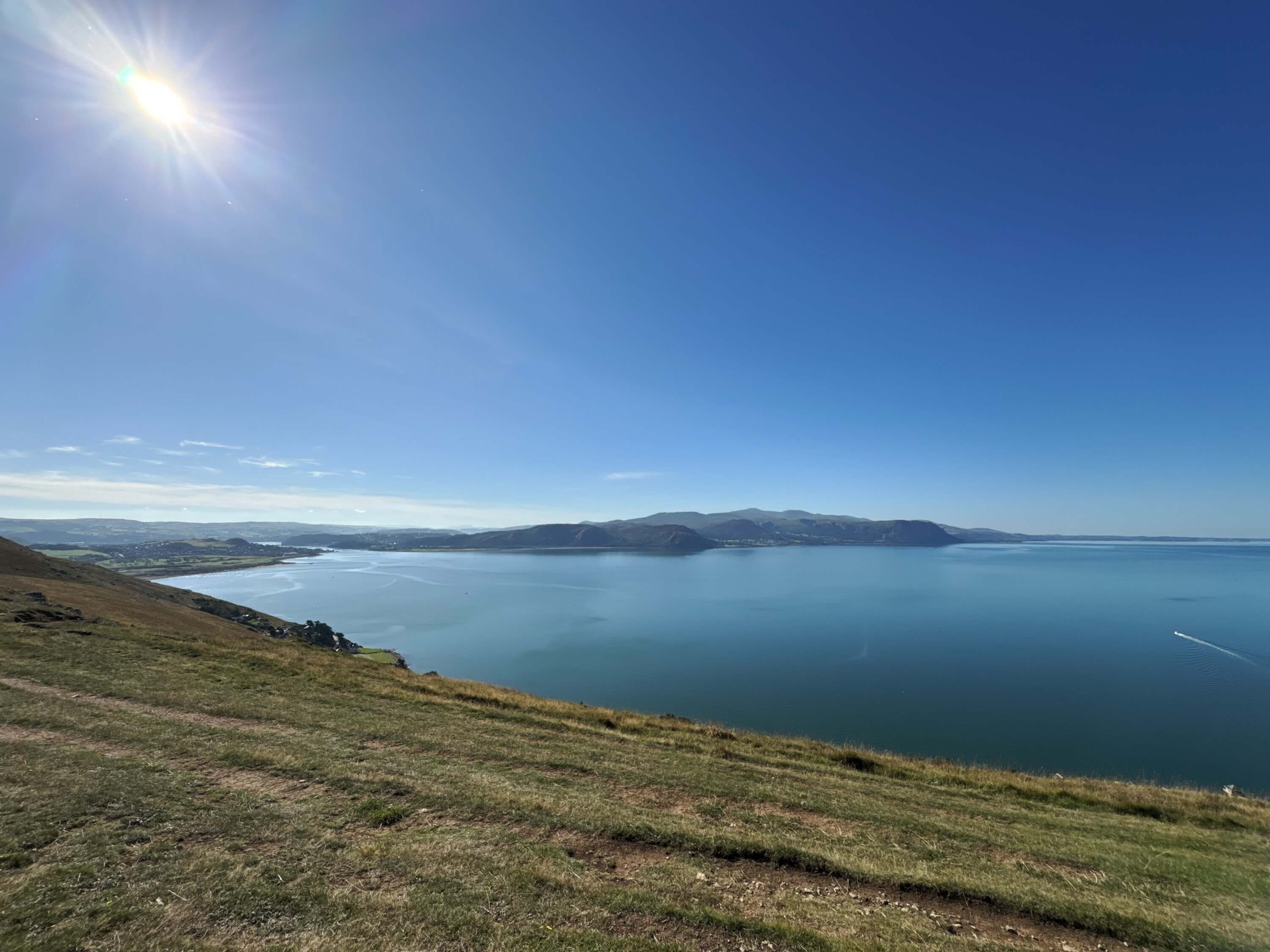
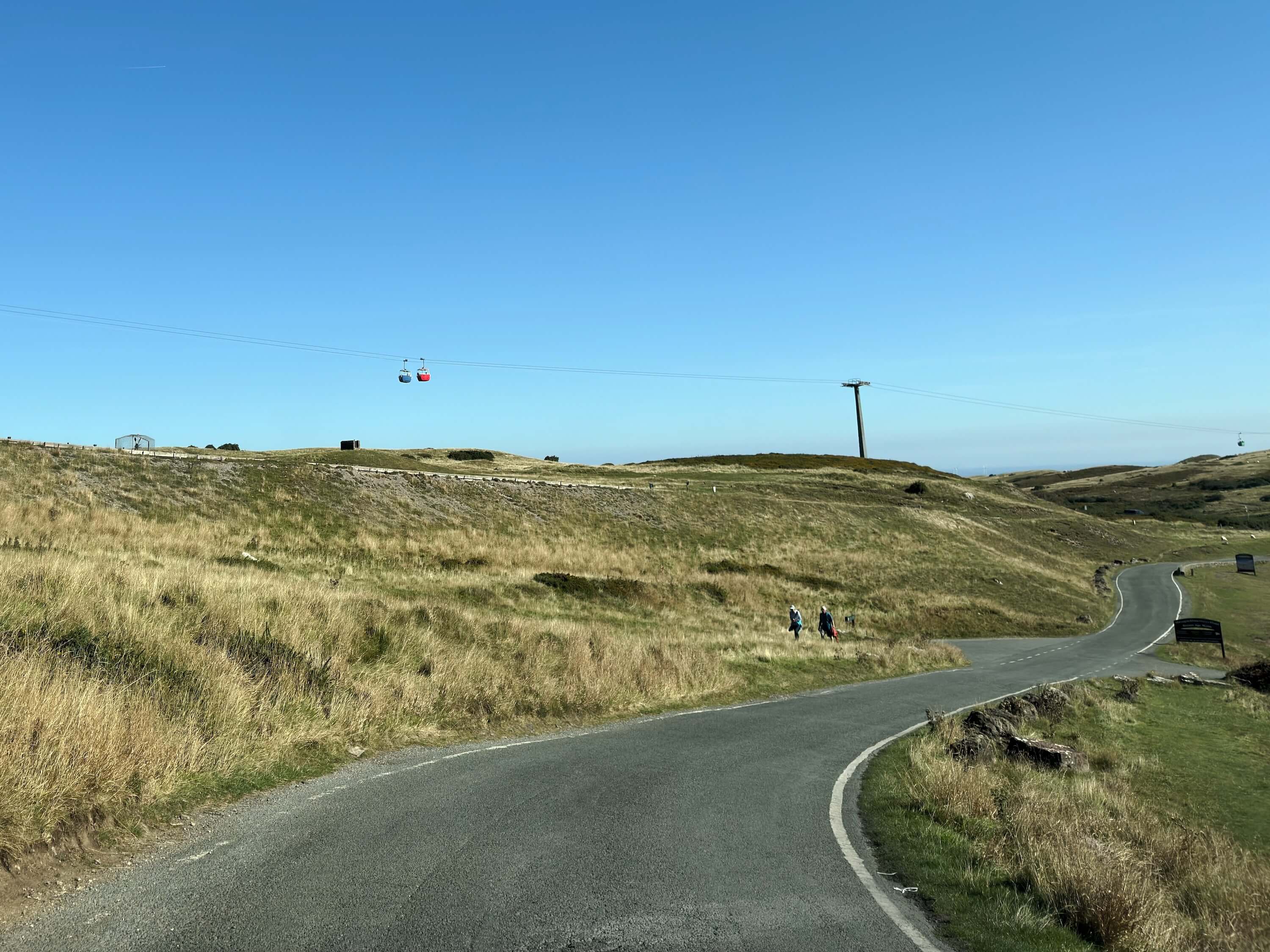
Great Orme



Bala

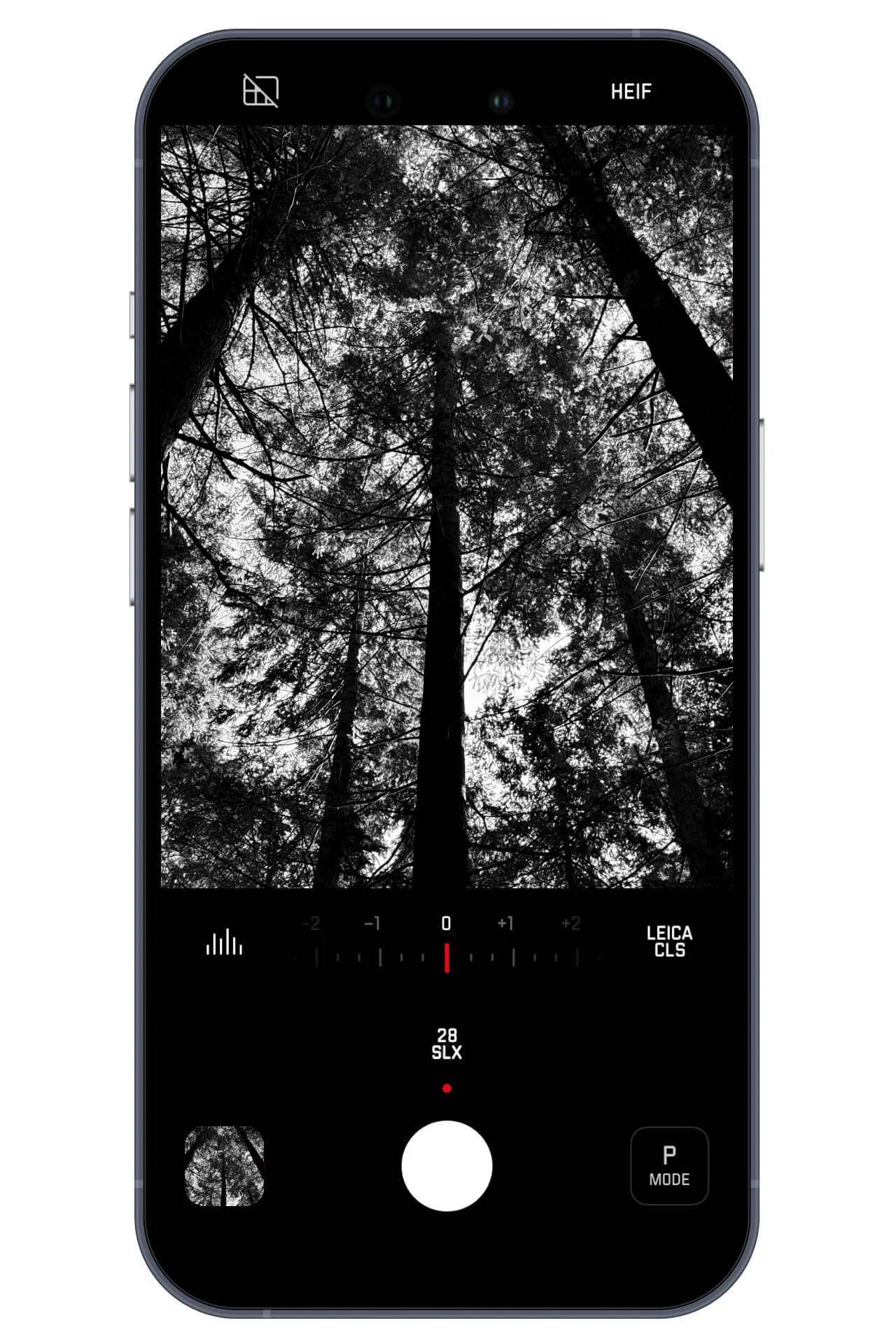
Leica LUX app
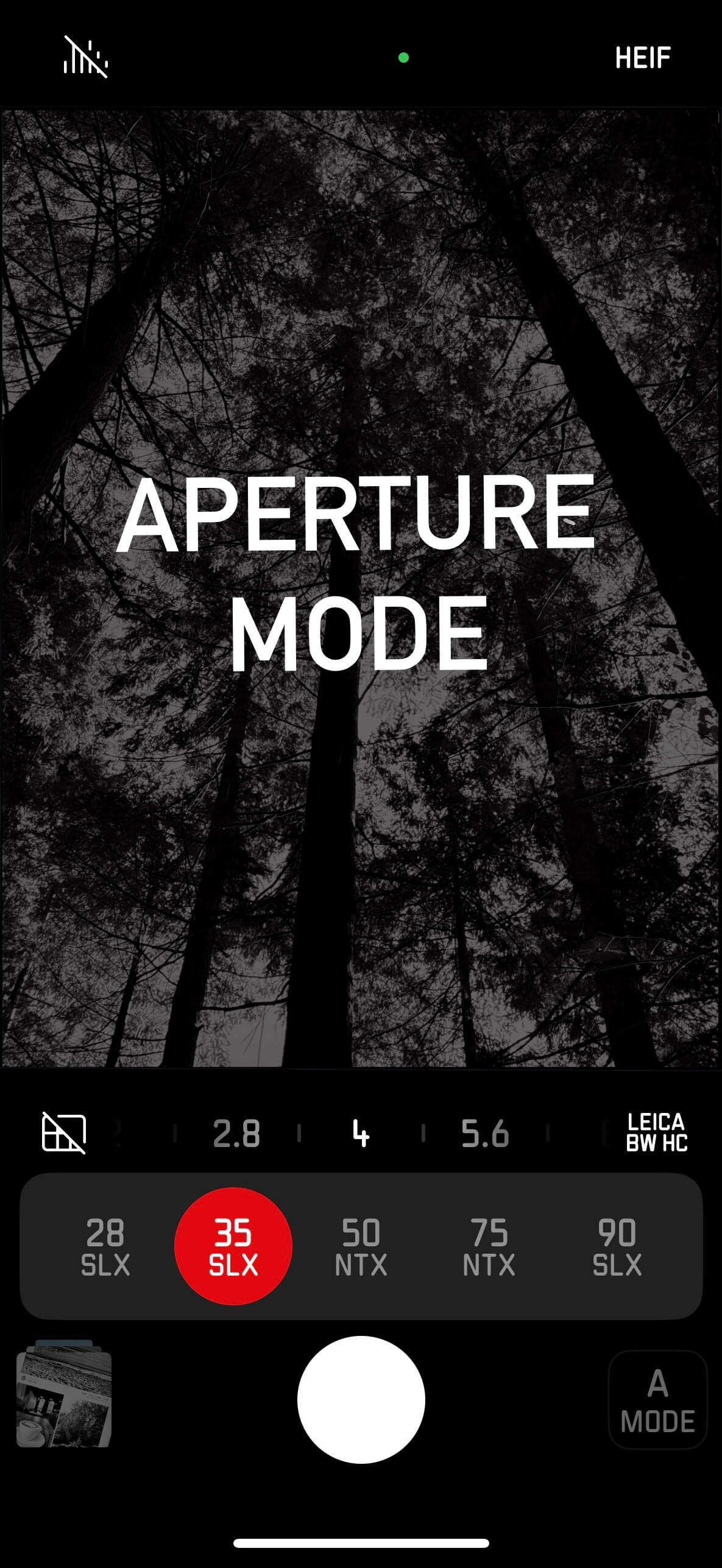
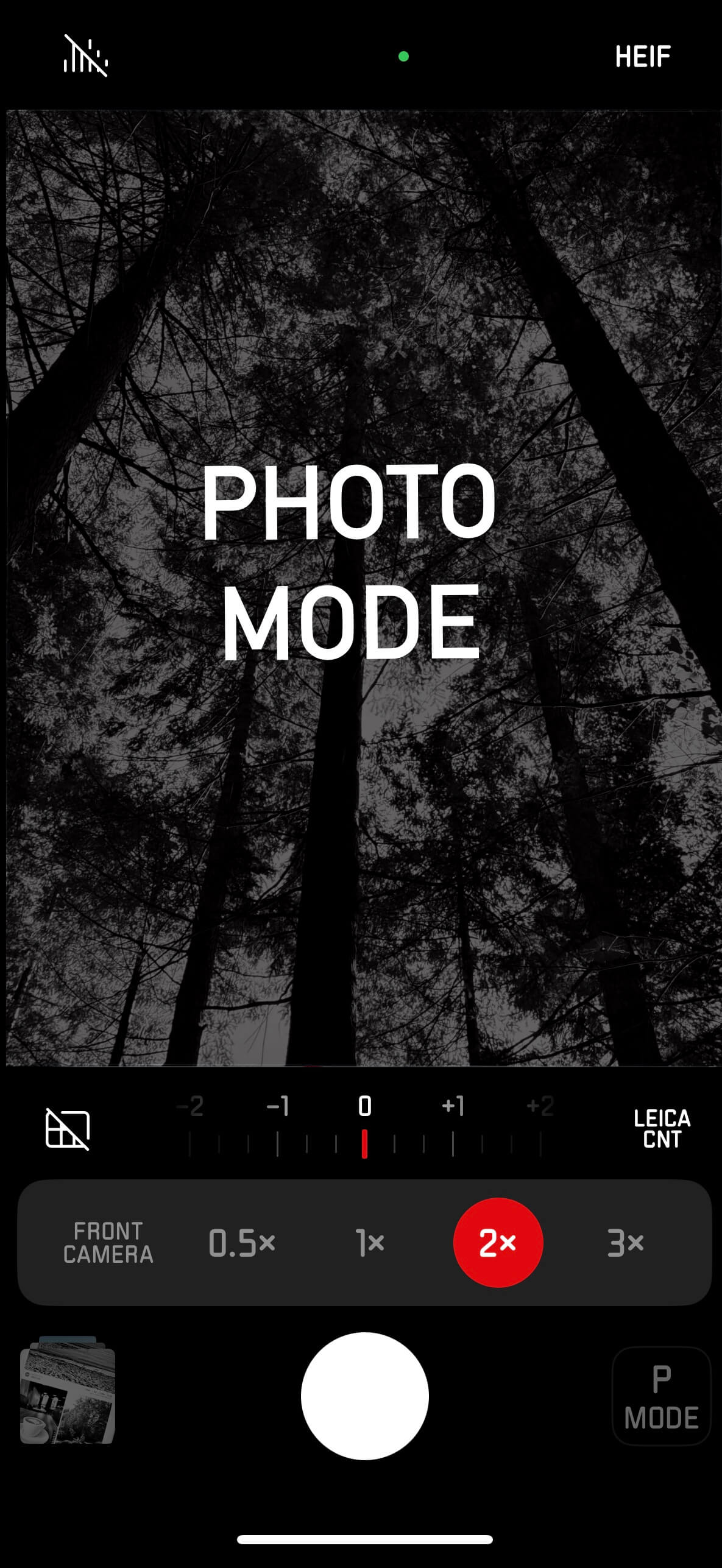
As you’d expect from Leica, the application has a beautiful, clean and minimalist user interface. The screenshots below show the two different modes - photo and aperture.
Photo Mode: Photo lets you choose the focal length, allowing you to seamlessly swap between your iPhone lenses.
Aperture Mode: As the name suggests, the main controls are for the aperture. You also get a choice of lens simulations to choose between. Leica suggest using this mode for portraiture.
For more details on the app’s features, visit Leica’s page.
You can also export these handy cards which show the phone settings that were used.

The application has had a few updates since this article was written in 2024. Now in 2026, we are able to change the Leica Look, focus points and the camera settings in post production. Along with adding Bloom and just today, a Halation setting. The experience is still very minimalist and initiative with the new functions seamlessly blending into the Leica experience.